
UX Importance in SEO
How user experience affects natural search rankings, from loading times to navigation journeys.
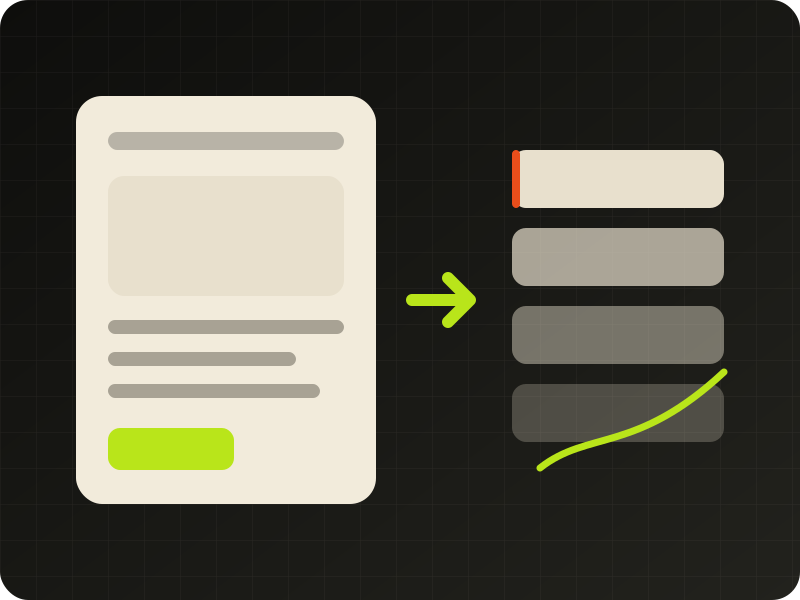
User experience (UX) is now an integral part of SEO. Google announced back in 2015 that UX would be a mobile ranking criterion in the years to come. The search engine has recently updated its ranking criteria and traditional SEO is no longer sufficient. You might wonder what the link is between UX and SEO?
Firstly, SEO stands for "Search Engine Optimisation". It can also be described as SEO ready or Google Friendly. This term characterises a website naturally optimised for search engines and therefore enjoying good search rankings. A SEO Friendly site is designed to meet the recommendations of various search engines, whether in terms of its structure or its content. But what does this have to do with user experience?
What is user experience?
The term "user experience" or "UX" (User eXperience in English) was popularised in the 1990s by Donald Norman, a professor of cognitive science at the University of California.
According to him, this user experience "encompasses all aspects of the end user's interaction with a company, its services and its products".
The term UX therefore corresponds to the emotional response of a user to an interface, a service or even an object.
In order to progressively improve UX and meet the standards set by Google, it is important to ask yourself simple questions, putting yourself in the user's shoes:
Is it easy to contact you?
Is the website loading time optimal?
Is it obvious to users what you offer?
Is your offering easy to access?
Does your website look professional? Is it visually pleasant for the user?
Is navigation on the website enjoyable for the user?
Can visitors intuitively find the information they are looking for?
Are you addressing users directly by focusing on their needs?
Are your images unique? Do they truly reflect what you offer?
Have you integrated a CTA to guide users towards the answer to their needs?
Do you often answer questions asked by visitors?
Can users find precise information on one of the topics you cover?
Why care about user experience?
The answer is obvious: to satisfy your potential customers, first and foremost. But now also to please Google's algorithm. Indeed, if your site and its content meet all the criteria sought and required by Google's robot, it will have a better chance of achieving better search rankings… better search rankings automatically means better accessibility and therefore successively increased visibility.
This combination will then allow you to gain an appeal that will differentiate you from your competitors and give you a competitive edge. This is a marketing aspect that can no longer be overlooked. However, this logic is not random; Google does not use a common policy… quite the opposite. It will tend to favour a quality site that provides added value. UX then refers to how your visitors will perceive your website. If this feeling is positive, they will return. If it is not, you already know the answer. And now Google sees this very clearly.
It is capable of discerning whether visitors to whom it has recommended a site in its results are satisfied. In other words, whether the site it proposed in its results matched the search term. If visitors go to a competitor's site, spend little time there, or visit few pages, Google will conclude that this site may not be the most suitable and revise its position. Even more so if these metrics are better when these same visitors visit a competitor's site.
Moreover, UX aims to convert visitors into customers through a positive experience on the website or via a product. Its role is to:
Make a website easier to find
Convert traffic
Test and adapt the experience based on targeted people
Help visitors find what they are looking for
Transform visitors into returning visitors
How to optimise UX and combine it with SEO?
1 – Focus on quality and speed up website loading times. I am referring here to:
Page loading speed
Ease of navigation
Internal structure
Absence of duplicate content
Relevant and descriptive content
Page layout
2 – Offer content and interactive elements
3 – Ensure responsiveness and design: create content for your visitors but also for search engines:
Maximise H1 and H2 titles
Optimise menu and feature names, link equity
Create a clear navigation path
Provide thoughtful product names and descriptions
4 – Put yourself in your visitors' shoes and try to provide them with as much comfort and quality as possible on the site at every step
Request a workshop on the subject